QR Code Generator

Everything you need to build your QR Collection.

Create, organize, download, and manage your Static and Dynamic QR Codes from one place.

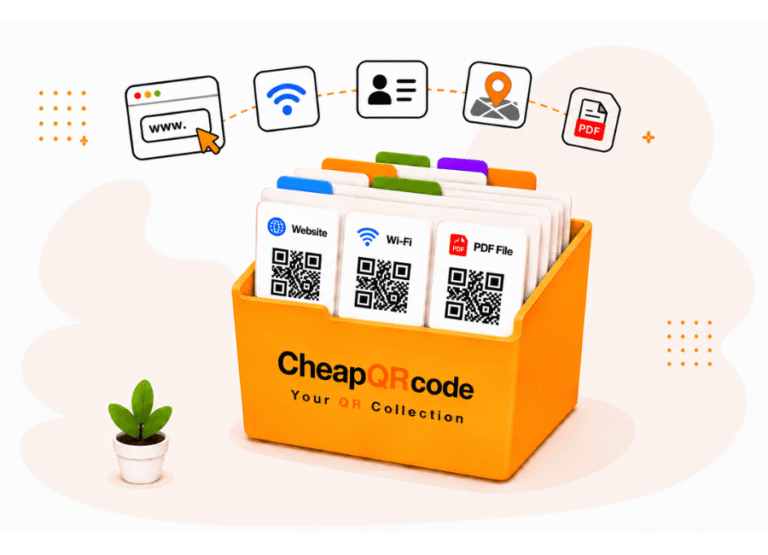
CheapQRcode helps you build a permanent QR Collection for your business or personal projects. Create Static and Dynamic QR Codes in multiple formats and keep them organized and ready whenever you need them.

As your needs grow, your QR Collection grows with you. Download, redesign, or reprint your QR Codes whenever you need them. Edit the content of your Dynamic QR Codes anytime without changing the QR Code itself, and manage everything from a single account.


Start Your Free QR Collection

Includes Storage for Up to 1,000 Static QR Codes and 5 Dynamic QR Codes
That Never Expire — No Credit Card Required

Every CheapQRcode account includes your own QR Collection with storage for up to 1,000 Static QR Codes and 5 active Dynamic QR Codes at no cost. As your collection grows, simply upgrade your Dynamic QR storage when you need more capacity.

Static QR Codes remain available in your collection for future downloads and reprints. Dynamic QR Codes can be edited anytime without changing the QR Code itself and include scan statistics.

Best of all, your Free Plan never expires. Your QR Codes have unlimited scans, your account remains available, and no credit card is required to get started.

1,000 Static QRs
Free forever
Dynamic QRs
With analytics
Your account never expires
No credit card required

Organize Your QR Collection with Projects

Keep related QR Codes together and make your growing collection easier to manage.

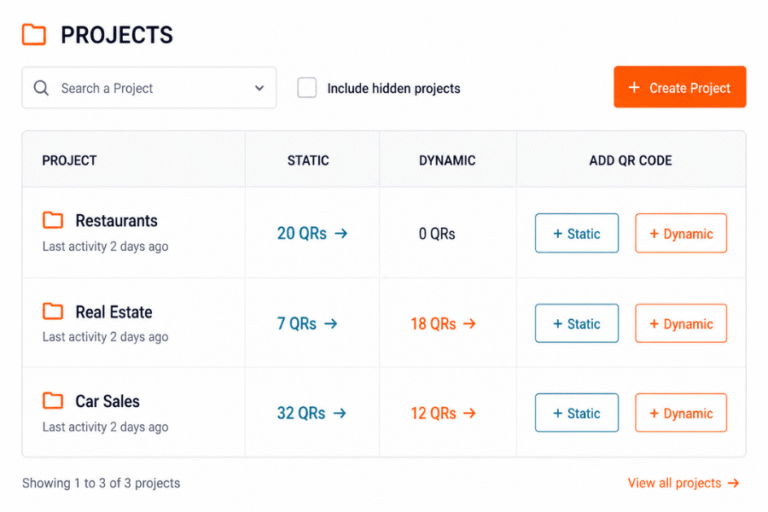
Projects give you a simple way to organize your QR Collection. Create a Project for a business, client, location, campaign, event, or any other purpose, then create and organize your Static and Dynamic QR Codes within that Project.

Instead of searching through one large list of QR Codes, Projects help you keep related QR Codes together and make them easier to find whenever you need them.

Save Your QR Collection to Google Drive

Keep your QR Codes organized in folders you already know how to use.

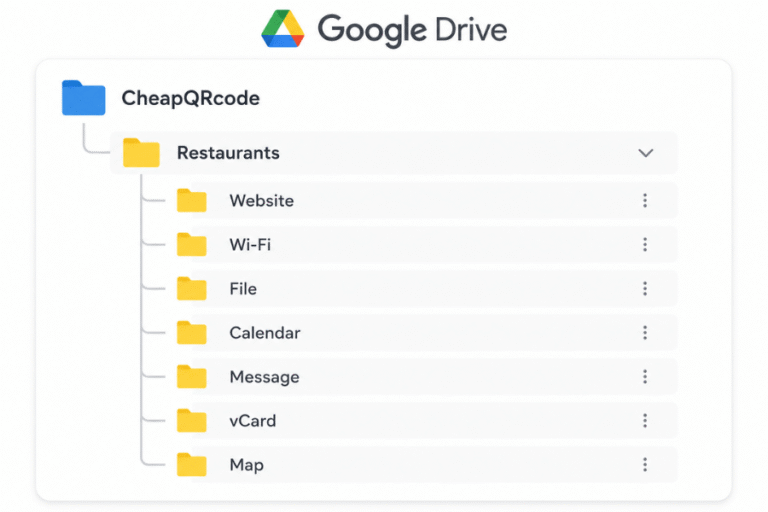
Connect CheapQRcode to Google Drive and your Projects can be saved as folders in your own Drive. CheapQRcode automatically organizes the QR Codes inside each Project into subfolders based on QR Code type.

That means your Website, Wi-Fi, File, Calendar, Message, vCard, and Map QR Codes stay organized without requiring you to manually create folders for each type.

GoogleDrive-CheapQRcode

Access Your QR Codes from Other Apps

Your QR Codes are easier to access where you already work

Because your QR Codes can be stored in Google Drive, your collection isn’t limited to the CheapQRcode dashboard. You can easily access your QR Code files from other applications that work with Google Drive whenever you need to use them in documents, presentations, designs, or other projects.

Scroll to Top