All QR Types
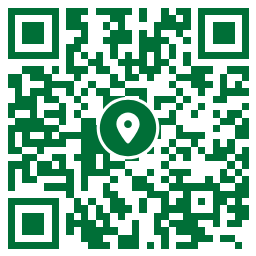
Map QR Code Generator Example
Learn how to Create a Map QR Code to Share a Locations and Directions
A Map QR Code is an easy way to share a location without requiring users to manually enter the address into their phone’s mapping application. Instead of typing the city and street users simply scan the QR Code, and the map immediately opens at the exact location.
With CheapQRcode you choose how your Map QR Code works:
- Location Only – Opens the exact location on the map.
- Directions – Opens the navigation route to the destination.
Important: To create a Map QR Code, enter the location coordinates using Decimal Degrees (DD) format.
Example:
The coordinates for the Statue of Liberty in Decimal Degrees (DD) are:
Latitud: 40.6892
Longitud: -74.0445
Important Rules:
Latitude must be a value between -90 and 90.
Longitude must be a value between -180 and 180.
Use a period (.) as the decimal separator
Example: Sharing a Location Within a National Park
Only two values are required when creating the Map QR Code in CheapQRcode:
Latitude: 44.72105
Longitude: 110.47940
No website. No hosting. No external server required.